
Gaming PC / Buying guide
Gaming PC price: PC price tiers explained for 1080p, 1440p, 4K
The best gaming PC price tier depends on your monitor target. A desktop that feels amazing at 1080p can struggle at 1440p, and 4K changes everything. This guide explains the main PC price tiers in 2025, what performance you can expect at 1080p, 1440p and 4K, and which specs to prioritize so you don’t overpay or get stuck upgrading immediately. At the end you’ll find 4 ready-built examples from Greencom to compare.
The simple rule: resolution + Hz decides the price tier
Your monitor decides what you need to pay for. Higher resolution means more GPU load, while higher refresh rate (Hz) can demand a stronger CPU for stable FPS.
- 1080p: easiest to run, best value, great for esports
- 1440p: needs a stronger GPU, best all-round experience for many
- 4K: GPU-first, more heat, more power, more cost
PC price tiers in 2025, explained
Exact prices vary by country and promos, so think of these as experience tiers. The goal is to choose the tier that matches your screen and games, without paying twice.
| Target | Best for | What to prioritize | Common mistake |
|---|---|---|---|
| 1080p | Competitive gaming, high FPS, best value | Balanced CPU, 16 GB RAM, NVMe SSD | Buying too little RAM/SSD |
| 1440p | All-round gaming, visuals + smoothness | Stronger GPU, solid cooling, 1 TB NVMe | Strong GPU but poor airflow/noise |
| 4K | AAA visuals, “premium” experience | GPU-first, PSU margin, excellent cooling | Forgetting monitor cost and heat/noise |
1080p tier: what to expect and what to prioritize
1080p is where you get the most value. Great if you want high FPS for esports and smooth gameplay.
- Prioritize CPU for high Hz: stable FPS matters more than peak FPS.
- 16 GB RAM minimum in 2025.
- NVMe SSD for fast load times, and enough capacity for multiple games.
- Cooling still matters: a quieter PC often feels more “premium” than a tiny FPS bump.
1440p tier: the common sweet spot
For many gamers, 1440p 144 Hz is the sweet spot in 2025. It looks noticeably sharper than 1080p and still runs smooth with the right GPU.
- GPU matters more than at 1080p.
- Balanced CPU keeps gameplay smooth and helps 1% lows.
- 1 TB NVMe SSD is a practical baseline.
- Cooling and airflow become more important because parts run hotter.
4K tier: what changes (and why it costs more)
4K is a different tier because the GPU load is huge. That usually means higher GPU cost, more power draw, more heat and more demand on the case, cooling and PSU.
- GPU-first: that’s where most of the budget goes.
- PSU margin: more headroom is important for stability.
- Cooling: a hot, loud PC can ruin the “premium” experience.
- Monitor cost: a good 4K screen can be a major part of the total budget.
Quick spec checklist per tier
1080p checklist
- CPU strong enough for high Hz esports
- 16 GB RAM minimum
- NVMe SSD (avoid tiny drives)
- Sensible airflow and noise levels
1440p checklist
- Stronger GPU as the main focus
- 16–32 GB RAM (32 GB if you multitask/stream)
- 1 TB NVMe SSD baseline
- Good airflow, enough fans, stable performance
4K checklist
- GPU-first, built for heavy load
- 32 GB RAM recommended for headroom
- 1–2 TB NVMe SSD (practical for large games)
- Strong cooling + quiet operation
- PSU wattage margin for stability and upgrades
Ready-built examples from Greencom
Want concrete reference points for gaming PC price tiers? See the full selection here: https://greencom.no/butikk/greencom-pc
1) Entry V894G (1080p starter)
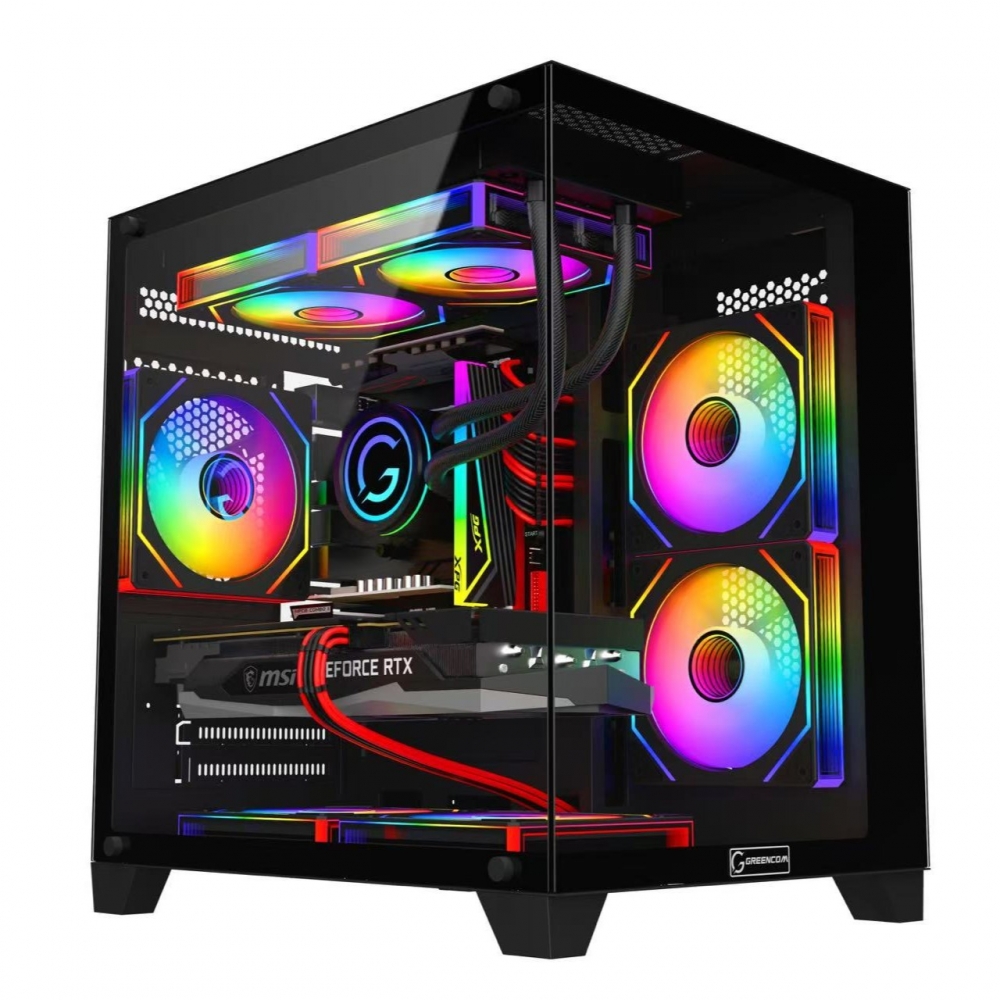
2) ArcticStorm iZ539X (strong all-round reference)
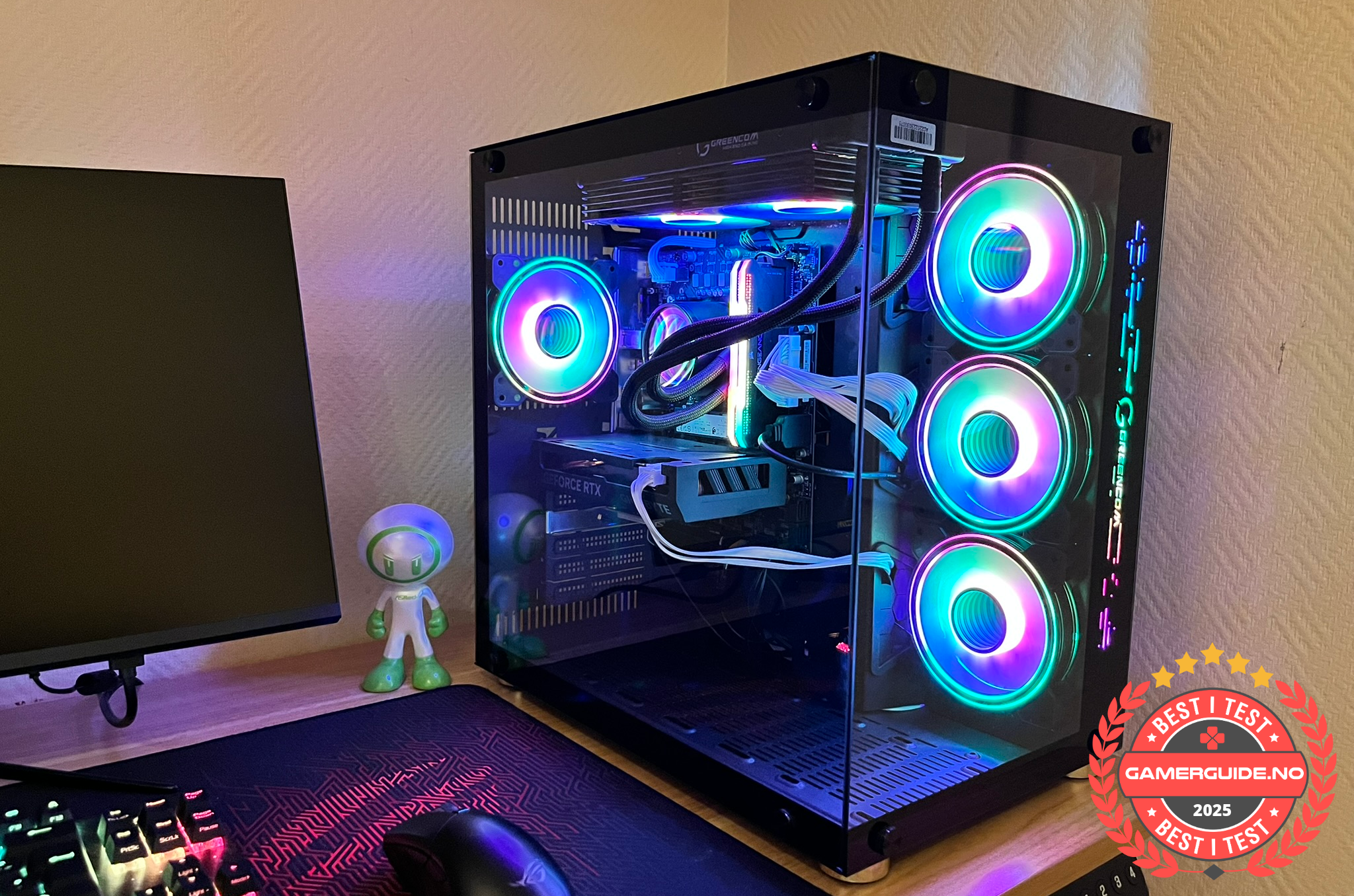
3) Phoenix Z569CR (more headroom)
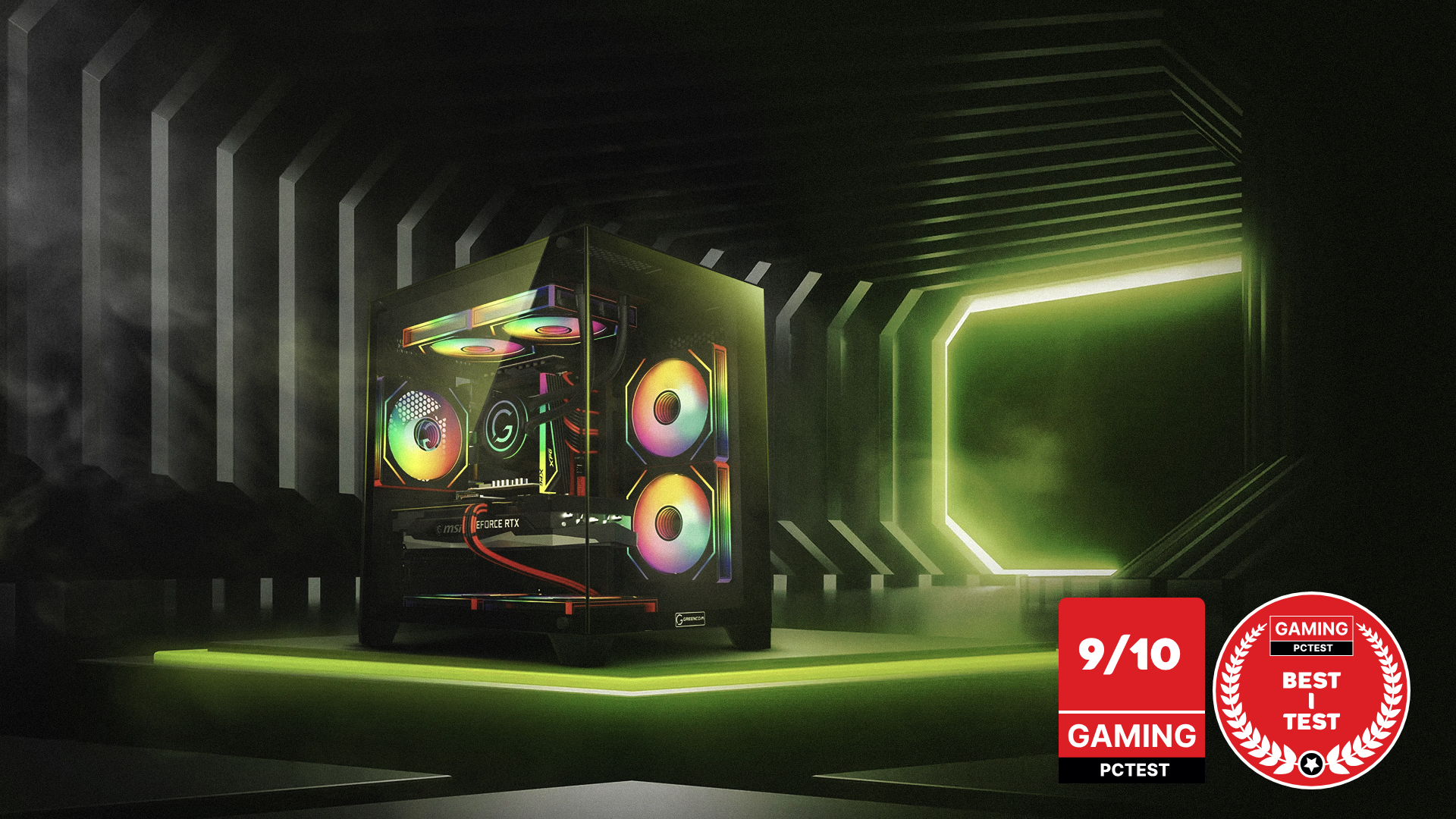
4) ZENITH hX97Z2 (high end reference)
See all Gaming PCs: https://greencom.no/butikk/greencom-pc
FAQ
Do I need 4K to get a “premium” experience?
Not necessarily. Many prefer 1440p 144 Hz because it feels very smooth and still looks sharp, without the massive GPU cost of 4K.
Is 1080p still worth it in 2025?
Yes. It’s the best value tier, especially if you want very high FPS in competitive games.
What’s the most common mistake when picking a tier?
Choosing a tier that doesn’t match the monitor, or buying a “deal” that cuts too much on RAM/SSD/cooling and forces upgrades later.
_1.png?1775823017388)



.png)
.png)
.png)
.png)