
Gaming stuff: The essentials for a clean gaming setup
A clean gaming setup is not about buying more gaming stuff. It is about choosing the right essentials, keeping cables under control, and making everything look intentional. This guide covers the accessories that actually improve your setup, plus simple tips to make your desk look premium and tidy.
If you are also considering a new PC for higher FPS and smoother performance: Browse Greencom Gaming PCs
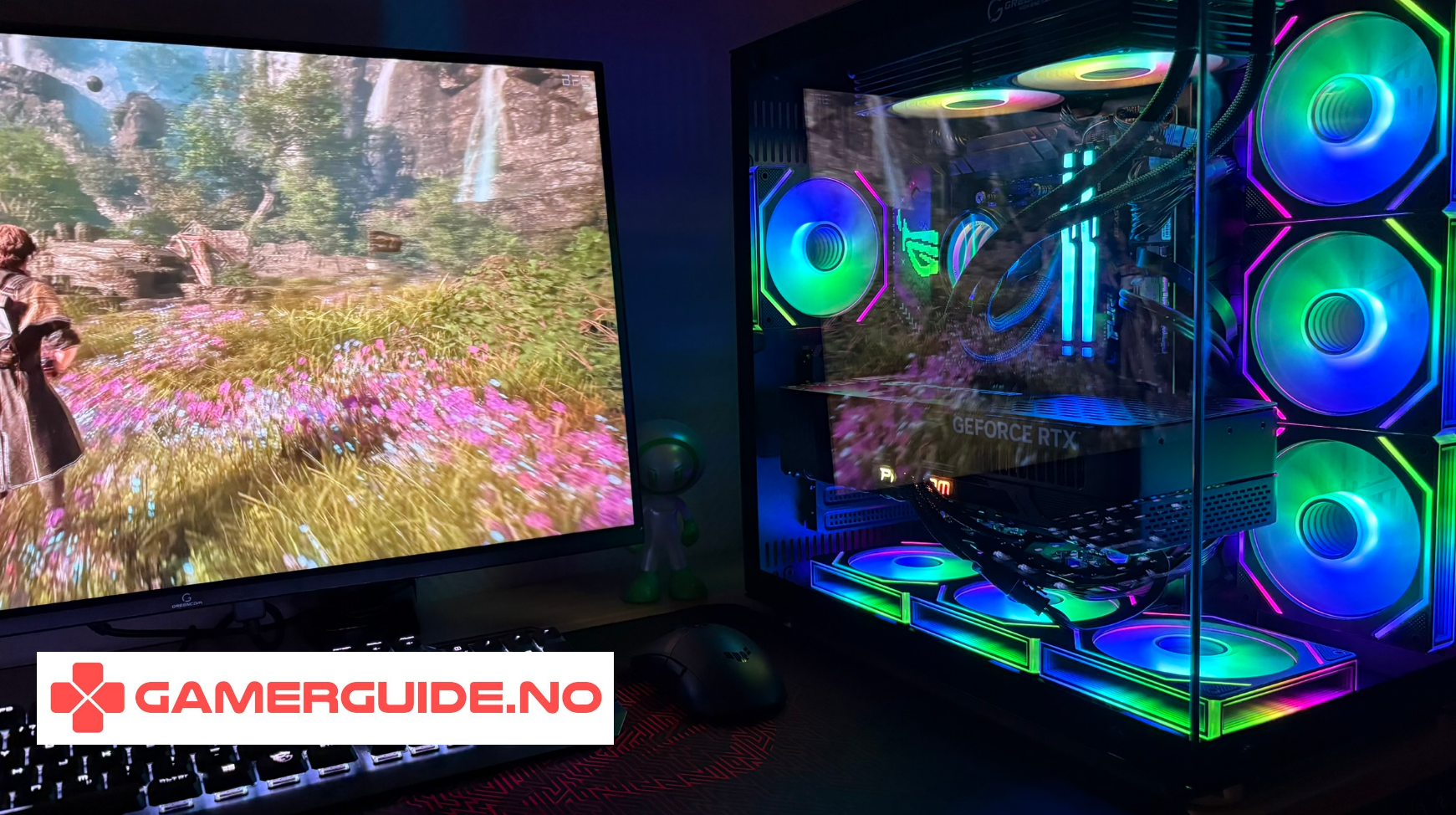
1) The essentials that make a clean setup feel better
A good monitor
- 144Hz+ for smoother motion and better aiming in FPS
- 1440p is a great sweet spot for clarity and performance
- use a monitor arm if you want a cleaner desk
Mouse + big mousepad
- a mouse that fits your hand is more important than brand
- a large mousepad makes tracking smoother and looks cleaner
- wireless reduces desk clutter instantly
Keyboard that matches your aesthetic
- TKL or 60% saves desk space and looks cleaner
- keep RGB subtle for a premium look
- choose keycaps that match your theme (white, black, or neutral)
Comfortable audio
- good comfort matters more than “max bass”
- wireless headsets reduce cable clutter
- if you play with friends, mic clarity matters
2) The “clean setup” upgrades (small spend, big impact)
Monitor arm
- instantly frees desk space
- improves posture and positioning
- makes cable routing easier
Cable management kit
- cable clips + velcro ties = fastest visual upgrade
- a cable sleeve makes everything look intentional
- mount your power strip under the desk if possible
USB hub
- keeps cables short and controlled
- makes it easy to plug in controllers and headsets
- reduces desk mess from long cables
Bias lighting (behind the monitor)
- makes the setup look more premium
- feels nicer in darker rooms
- keep it subtle: white or a single color
3) Pick a theme so your setup looks intentional
Most clean setups follow one of these themes:
- All white: bright, clean, minimalist
- Black + neutral: sleek and timeless
- White + black contrast: clean but with depth
If you use RGB, keep it to one style and one color profile. Random rainbow lighting makes setups look messy fast.
4) Desk layout tips that instantly look cleaner
- center your monitor and align keyboard + mousepad
- keep only daily-use items on the desk
- hide the power strip under the desk
- use a headphone stand or hook to keep the desk clear
- avoid mixing too many colors and materials
5) A clean setup needs the right PC performance too
Accessories improve comfort and aesthetics, but if you want higher FPS, smoother frame times, and faster load times, upgrading the PC itself is often the biggest improvement.
ArcticStorm iZ539X Gaming PC - RTX 5060 | i7 | 16GB
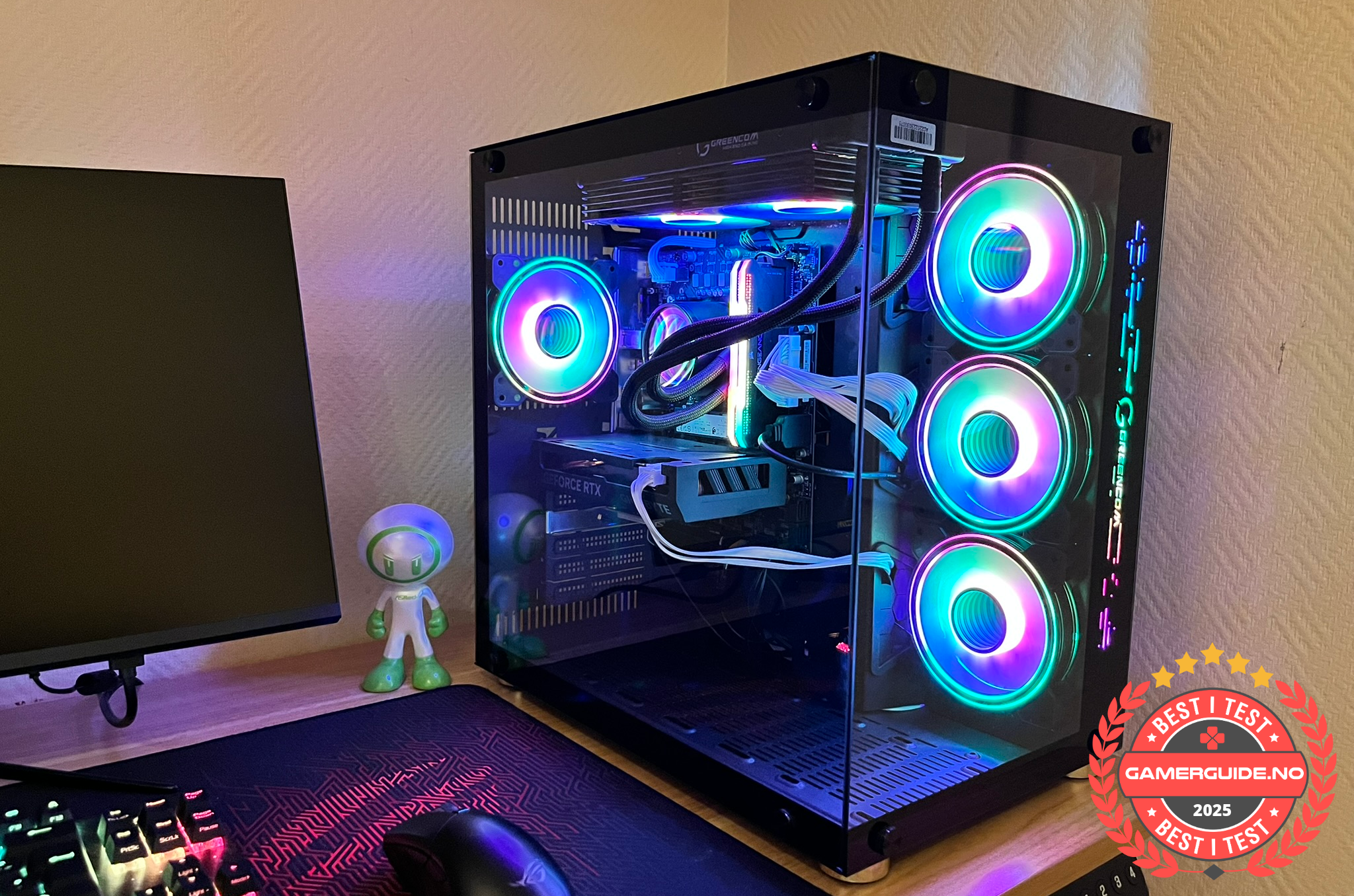
A strong value pick if you want smooth gaming performance and a responsive PC without overthinking parts.
Phoenix Z569CR Gaming PC - RTX 5060 | Ryzen 7 | 16GB
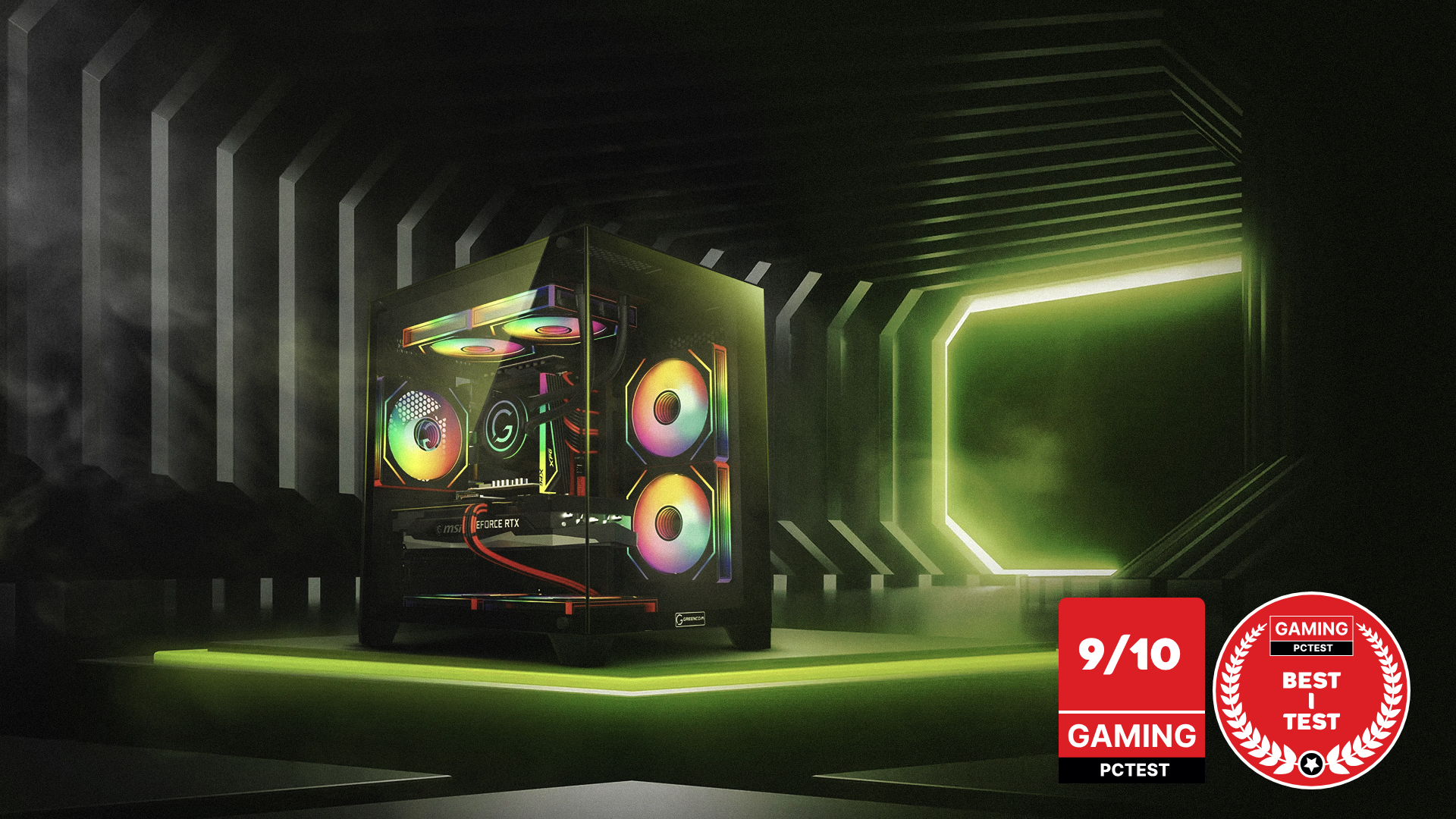
A balanced choice for gaming and everyday use, with a setup that feels fast and stable across many games.
ZENITH hX97Z2 Gaming PC - RTX 5070 TI | Ryzen 7 9800X3D | DDR5 16GB
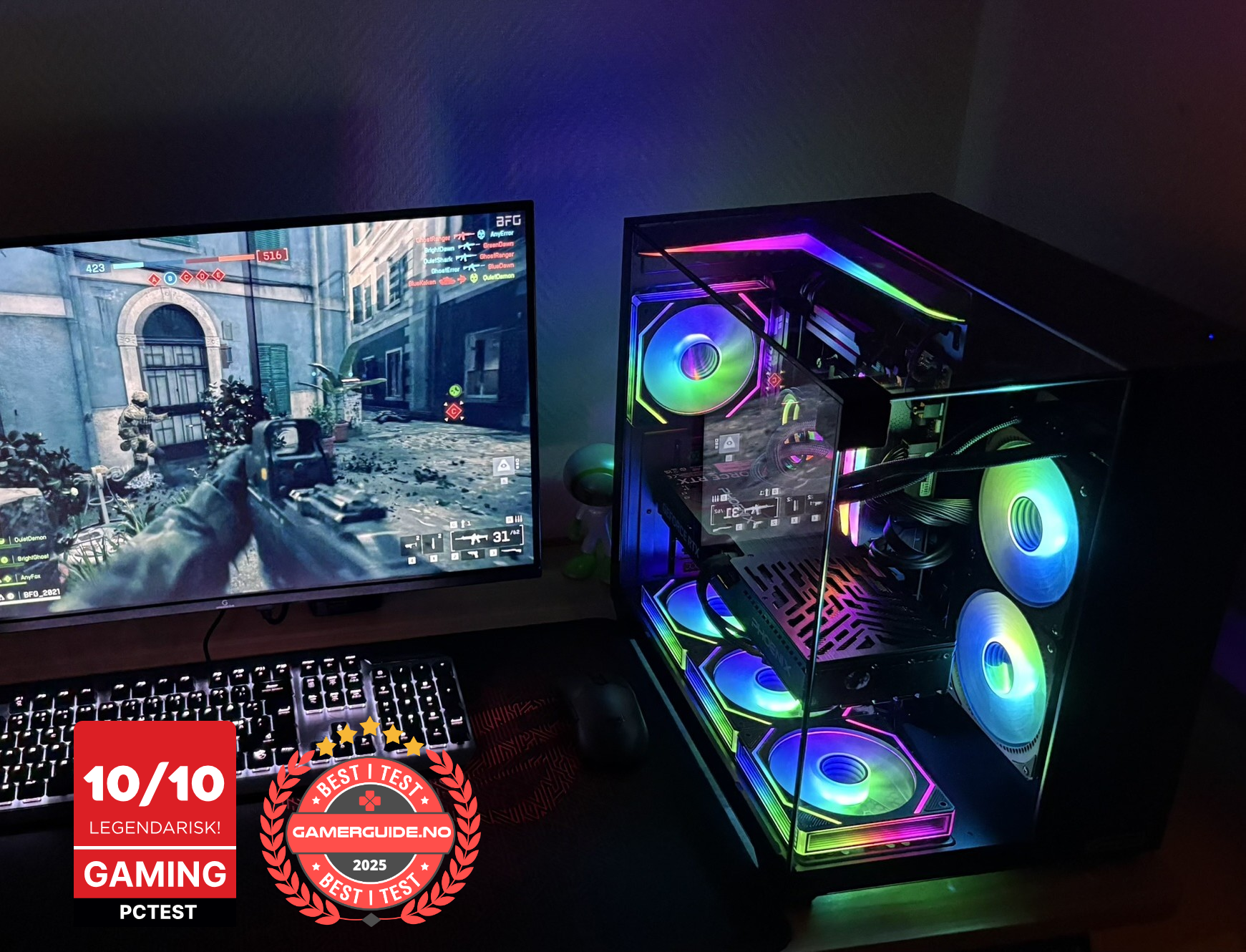
Built for higher FPS and a more responsive feel, especially if you play competitive games or want a stronger 1440p experience.
Quick clean setup checklist
- Monitor: 144Hz+ and positioned correctly
- Mouse + large mousepad (wireless helps)
- Keyboard size that fits your desk (TKL/60% for clean look)
- Monitor arm + cable management
- Subtle lighting (single color)
- Keep only daily-use items on the desk
_1.png?1775823017388)



.png)
.png)
.png)
.png)